Title here
Summary here
Notice: This is the legacy documentation. For the latest features and updates, refer to our current SolusVM documentation.
In SolusVM you can use several predefined FTP servers. This can be useful if one wants to keep Backups on different places.
To add an FTP server:
Go to SolusVM admin panel > Configuration > FTP Servers and click Add FTP Server
Fill in the FTP server settings and click Add: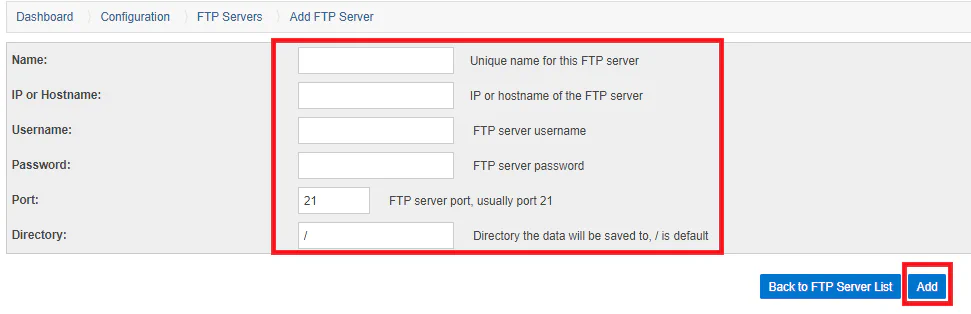
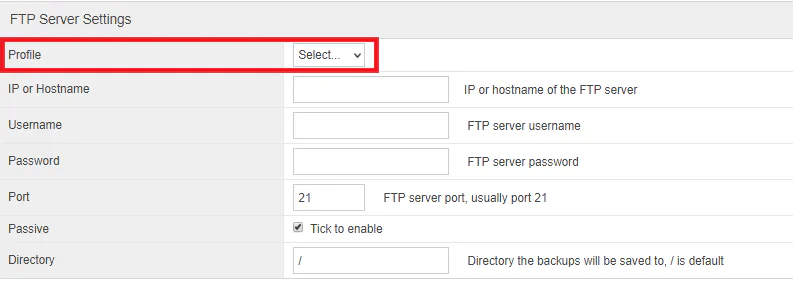
After that predefined FTP servers can be selected for Auto FTP backup in Profile dropdown menu at SolusVM admin panel > Nodes > {Node} > Auto FTP Backup: