Title here
Summary here
Notice: This is the legacy documentation. For the latest features and updates, refer to our current SolusVM documentation.
To import an OpenVZ virtual server from the administration panel do the following:
Select Virtual Servers > Add Virtual Server
Select OpenVZ
Select the Node & Plan, then click Continue
Enter the container ID of the virtual server you want to import (as
shown under vzlist on the host node) in the Container ID field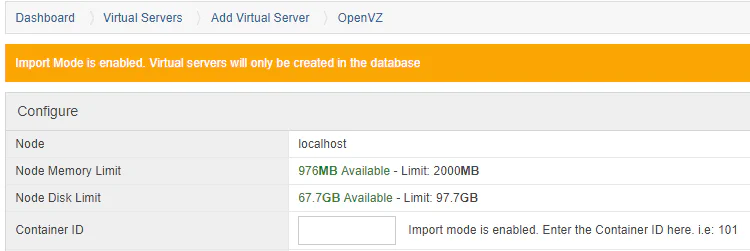
Fill the rest of the fields with the resources assigned to the container
Click the Create Virtual Server button
Add any extras ip’s etc.. to the virtual server