Title here
Summary here
Notice: This is the legacy documentation. For the latest features and updates, refer to our current SolusVM documentation.
You only need to add the DNS Master to SolusVM.
From the admincp go to Configuration > PowerDNS > Add
Give the dns server a name and click Continue:

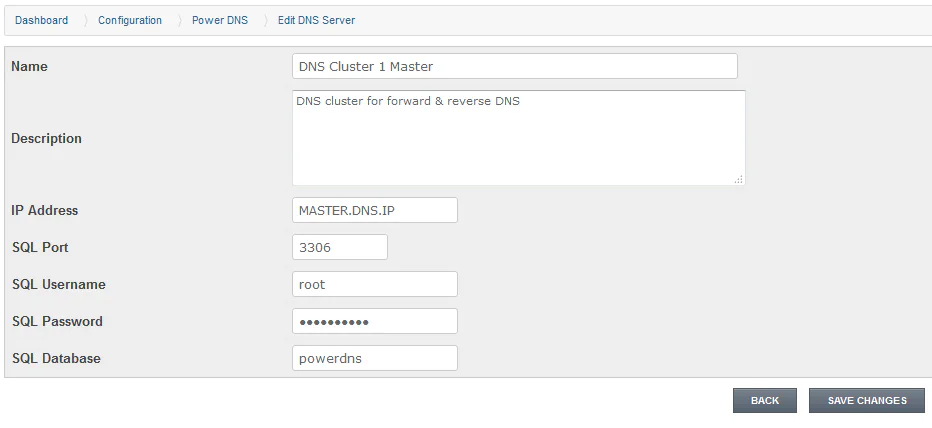
Fill in all the master dns servers SQL details:
You now have the button options at the bottom to test the connection, view zones and create reverse dns zones.