Title here
Summary here
In SolusVM, it is possible to lock and suspend user accounts.
If a user account is locked, the user can no longer create virtual servers, projects, and project member invitations.
If a user account is suspended, the user gets the restrictions of the locked status described above plus two more restrictions:
The possibility to lock and suspend user accounts is particularly important for billing. If billing is integrated with SolusVM and a user stops paying for provided services, the billing system can lock or suspend the user account in SolusVM. To do so, the billing system sends an API request to SolusVM.
You, as the SolusVM administrator, can also lock and suspend user accounts in the SolusVM interface or via the API.
 icon on the row of the user whose account you want to lock or suspend.
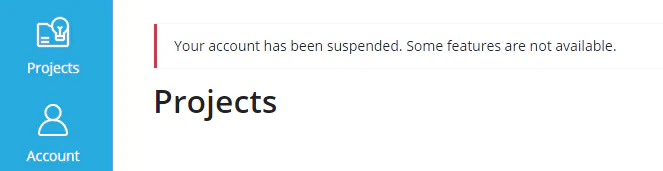
You have changed the status of the user account. The user will now see the message in the user area that their account was locked or suspended.
You can always lift the restrictions of the locked or suspended status. To do so, change the status of the user account back to active.