Title here
Summary here
You can limit users’ access to specific features and resources in SolusVM using roles and permissions. Additionally, you can allow access for particular users (such as administrators) only from certain IP addresses or IP networks.
There are two built-in roles in SolusVM, ADMIN and CLIENT.
The ADMIN role has full access to all features and resources in SolusVM.
The CLIENT role allows users to create new virtual servers and manage their own virtual servers. The list of permissions for the CLIENT role is as follows:
Built-in roles cannot be edited or deleted.
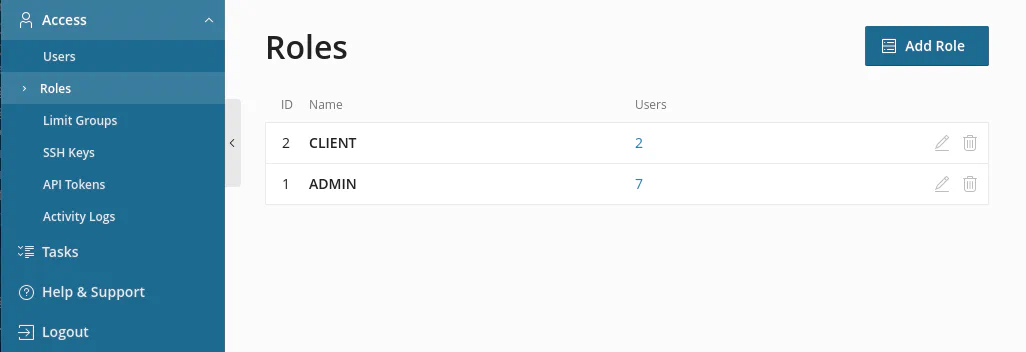
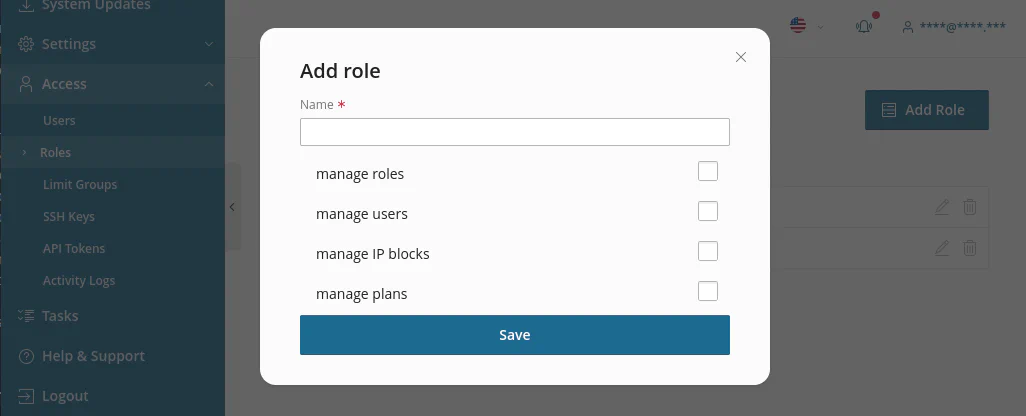
You can create your own roles with custom permissions and assign them to users.
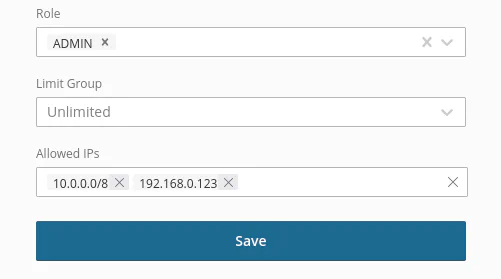
You can use the Allowed IPs field to allow users to access SolusVM only from certain IP addresses or IP networks.
Allowed IPs accepts networks such as 10.0.0.0/8 and exact IP addresses such as 192.168.0.123.
The restriction will be applied to the UI and API.