Title here
Summary here
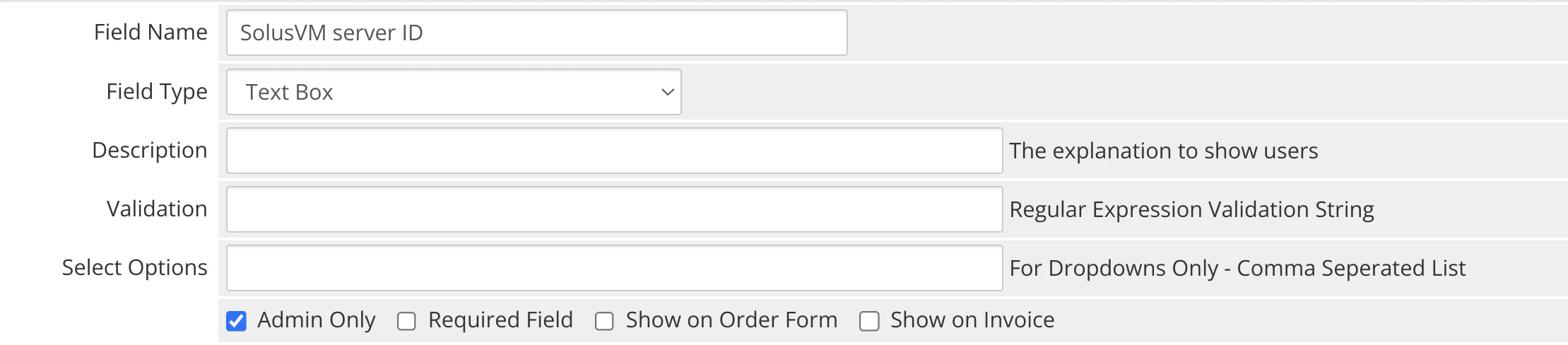
You can create custom fields for SolusVM products in WHMCS to display server information in the admin panel. Navigate to WHMCS > Setup > Products/Servers > Products/Services > a product > Custom Fields to configure these fields.
The following table lists all custom fields:
| Field Name | Field Type | Tick Box |
|---|---|---|
| SolusVM server ID | Text Box | Admin Only |
The following image shows an example of a custom field: